PDF to PPT AI:

Turn Any PDF Into a Presentation in Seconds

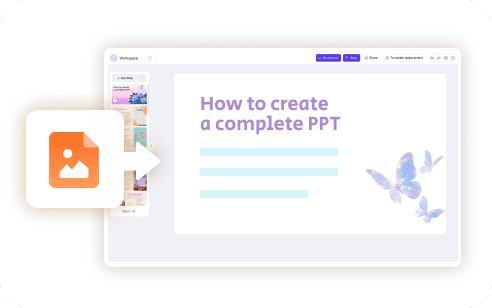
Need to turn a long PDF of reports, research papers, training materials, or business documents into a clean PowerPoint deck quickly? WorkPPT's PDF to PPT AI makes it easy. With one upload, the AI reads your document, picks out the key points, and builds a ready-to-edit slide deck for you.

tips-icon No formatting
tips-icon No templates hunting
tips-icon Just instant, professional slides.
4.7 Scorerate
Satisfied Customers
2M+
Slide Creations
78M+

googlemictechtrustool

What Is PDF to PPT AI?

PDF to PPT AI is an intelligent tool that transforms any PDF into a structured presentation. Instead of rewriting content or designing layouts manually, you upload your PDF and the AI creates a slide deck automatically:

icon

Summarize long text

icon

Turns a topic into a ready-to-present slideshow in seconds

icon

Organize ideas into slides

icon

Apply clean layouts

icon

Export to PPTX format

That's it. What used to take 2 hours now takes 20 seconds.

Who Should Use PDF to PPT AI

Students
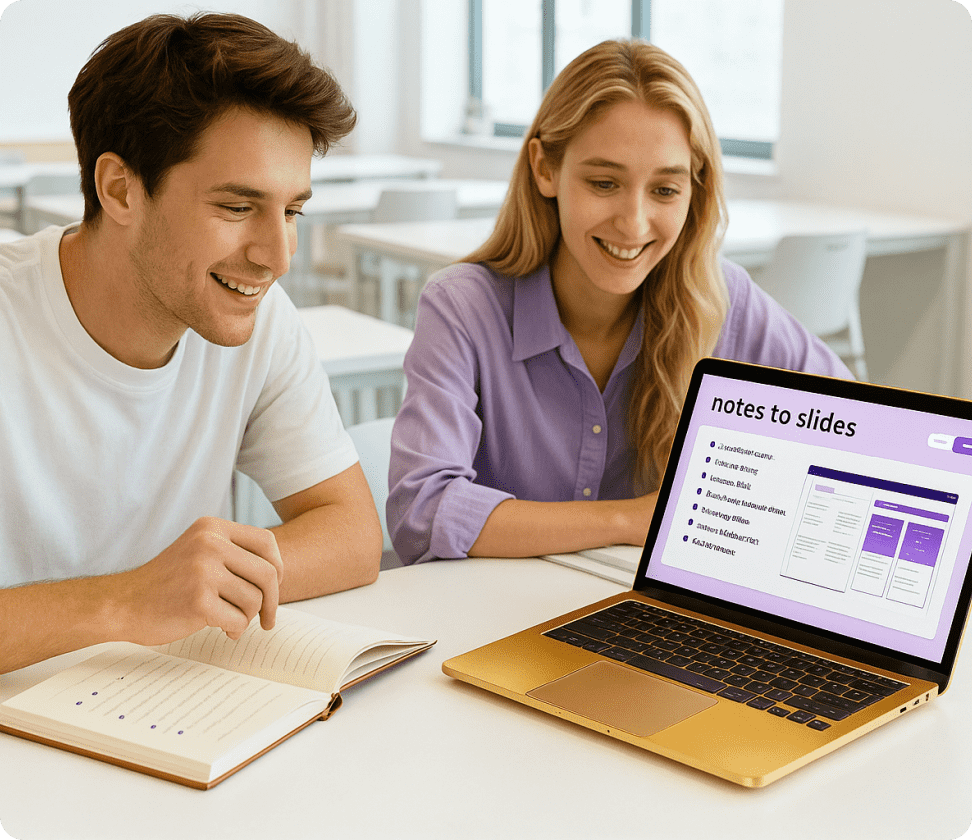
Turn study notes into slides before class or make presentation homework.
Teachers
Business Teams
Writers & Marketers

How to Convert PDF to PowerPoint With WorkPPT

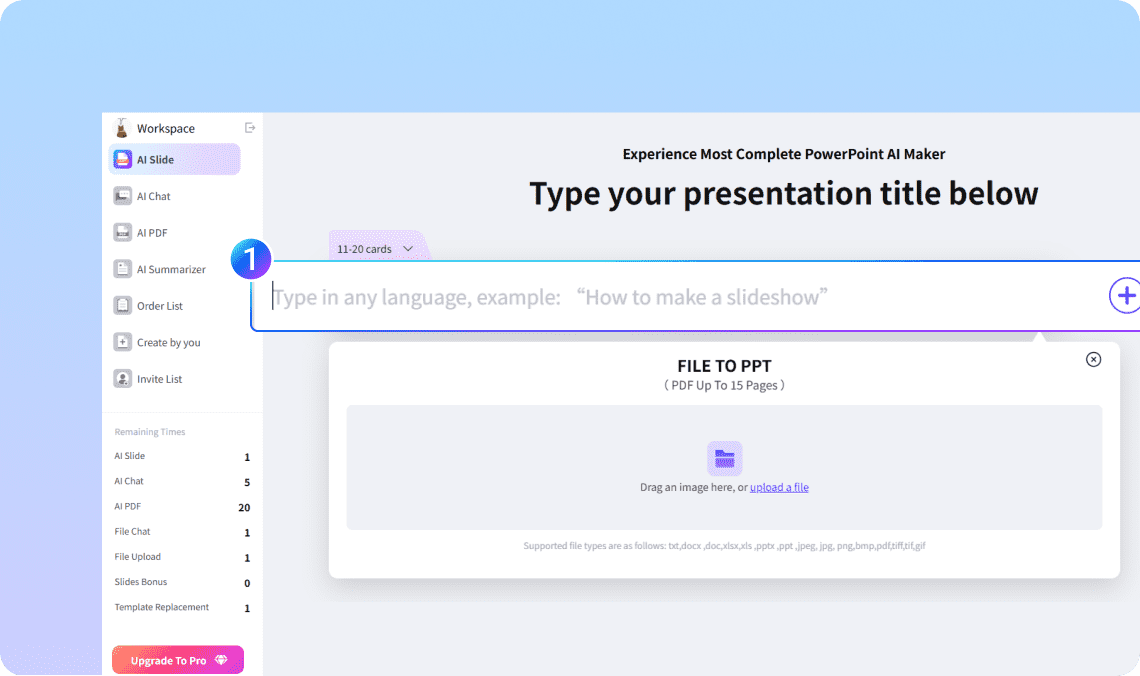
Step 1. Upload your PDF file

Drap or upload your PDF file by click the + button.

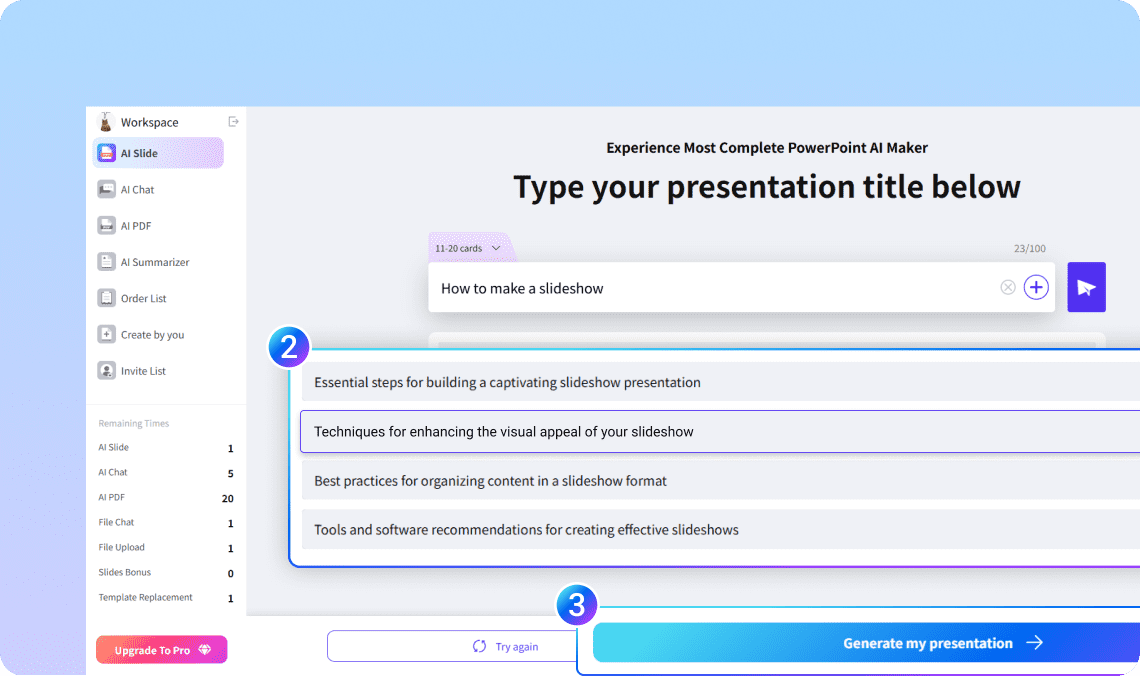
Step 2. Let AI build your outline

In seconds, WorkPPT breaks your text into slides with clear headlines and bullet points.

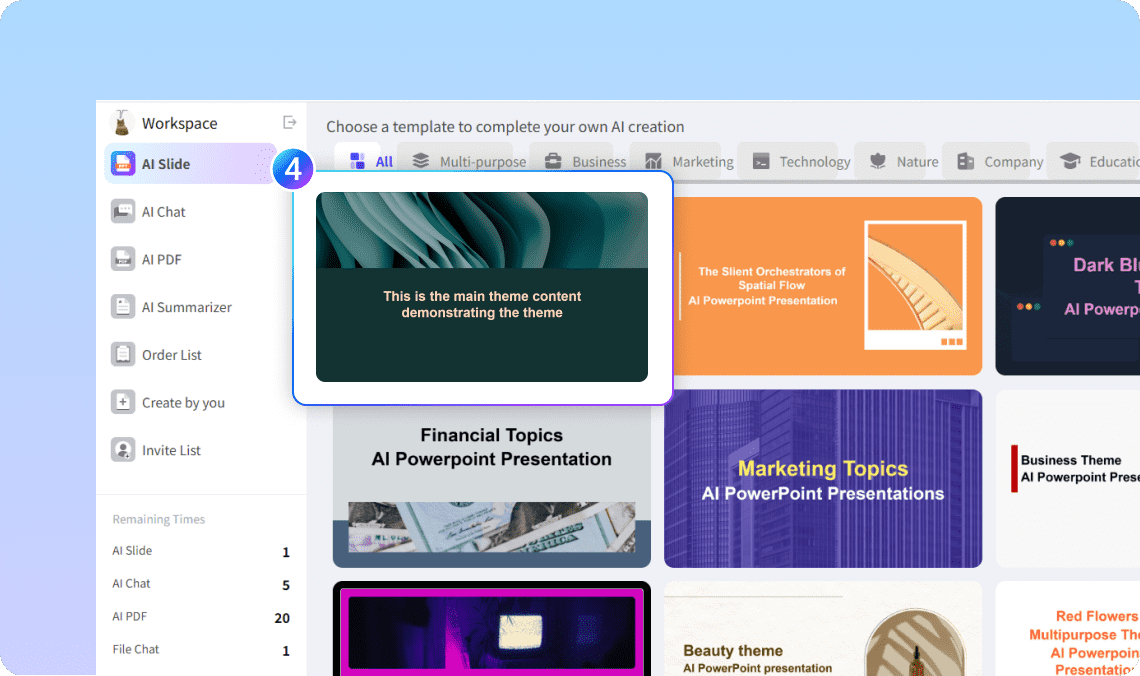
Step 3. Choose your design

Pick from 5000+ modern templates — clean, corporate, minimal, or creative.

Step 4. Edit and Export

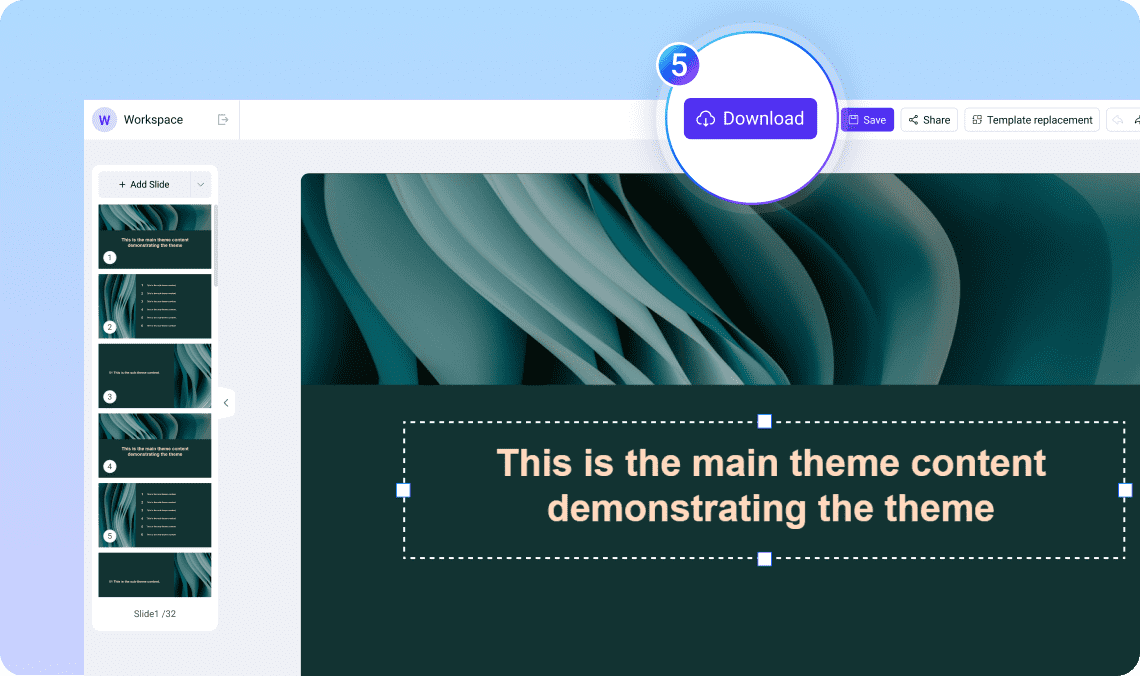
You can edit the slides as you want. Once satisfied, download instantly as PowerPoint (PPTX), PDF, or image — ready to present or share.

Why Use WorkPPT's PDF to PPT AI?

WorkPPT isn't just another "AI tool." It's built to make real presentations — editable, exportable, and professional.

Accurate text extraction

Accurate text extraction

The tool understands sections, topics, and key points.

Supports long and complex PDFs

Supports long and complex PDFs

Reports, eBooks, academic papers, and business files can all be turned into slides.

Instant Design

Instant Design

5000+ Beautiful layouts that fit your message

Multilingual Support

Multilingual Support

Works with English, Aric, Spanish, and more.

Full Export Options

Full Export Options

PPTX, PDF, PNG — ready for any meeting or classroom.

All in One AI Tools

All in One AI Tools

Boost efficiency with 10+ built-in AI productivity tools.

More Ways to Create with AI

WorkPPT isn't limited to text. You can also convert:

Text to PPTright

Plaste or type text, and AI turns it into clean slides.

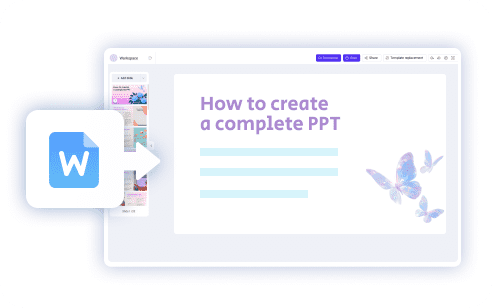
Word to PPTright

Transform your article or report into a deck.

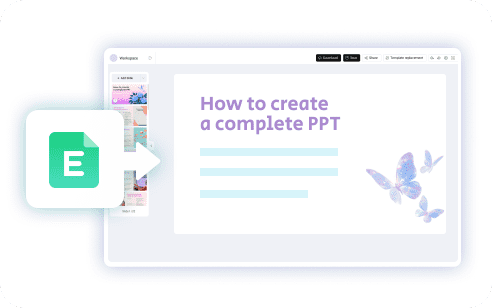
Excel to PPTright

Turn data into charts and summaries automatically.

Image to PPTright

TGenerate slides from visuals or screenshots.

FAQ About PDF to PPT AI

1

How can I convert a PDF to PowerPoint?

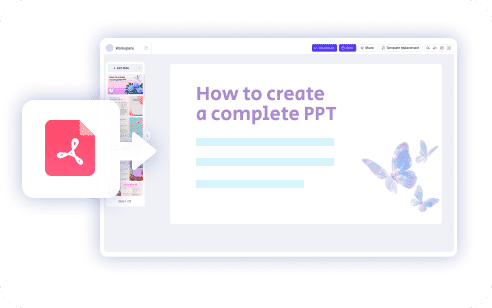
Simply upload your PDF to WorkPPT's PDF to PPT AI tool. The system reads your document, extracts key points, and generates an editable PowerPoint file (PPTX) automatically.
2

What is an AI PDF to PPT converter?

An AI PDF to PPT converter uses artificial intelligence to transform PDF documents into presentation slides. It summarizes content, organizes it into slide sections, and creates a PPTX file you can edit in PowerPoint or Google Slides.
3

Can I convert a PDF file to a PowerPoint presentation for free?

Yes. WorkPPT offers a free option for converting PDF to PPTX. If you’re looking for pdf to pptx free ai, WorkPPT gives you instant access.
4

Does the AI keep the layout of my original PDF?

The AI does not copy the original PDF layout exactly. Instead, it restructures the content into a clean slide format, making it easier to present and edit.
5

How do I convert a PDF to Google Slides?

After generating the PPTX file with WorkPPT, open Google Slides and upload the PowerPoint file. Google Slides will convert it automatically.
6

Can I turn a long PDF into a slideshow?

Yes. WorkPPT can turn PDF into a slideshow by summarizing long sections and creating organized slides with titles, bullet points, and key insights.
7

Will the converter work with scanned PDFs?

Scanned PDFs may have limited results unless they include selectable text. For best accuracy, use digital PDFs or files with OCR-enabled text.
8

How accurate is the conversion?

The AI analyzes headings, paragraphs, and sections to produce a logical slide structure. While accuracy is high for most documents, you can always edit the final PPTX to adjust details.
9

Do I need to install any software?

No. WorkPPT is an online pdf to ppt converter, so you can convert files directly in your browser without downloading any program.
10

Can I use this for business or academic work?

Yes. The AI is ideal for reports, research papers, manuals, training PDFs, and corporate documents. It saves time and simplifies content preparation.

Ready to Convert PDF into AI Slides?

Upload your PDF and let WorkPPT create a clean, structured, and editable PowerPoint deck in seconds. Fast, simple, and powered by AI.

slognTips Stop formatting. Start presenting