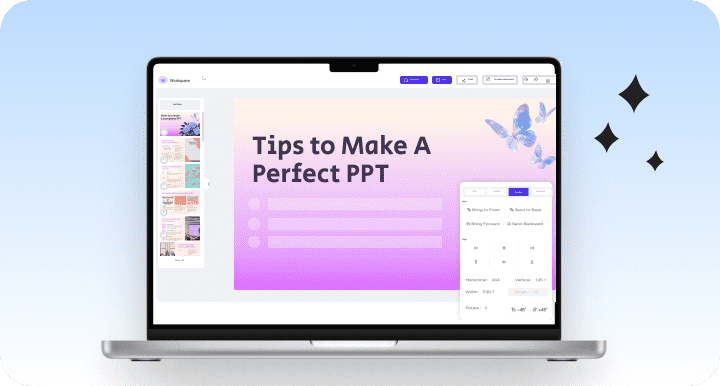
Best Al Presentation Maker :
Smarter, Faster, and Beautiful Slides
WorkPPT helps you turn your ideas, documents, or data into polished slides automatically — saving hours of manual work.
 No design skills needed
 784512+ PPT made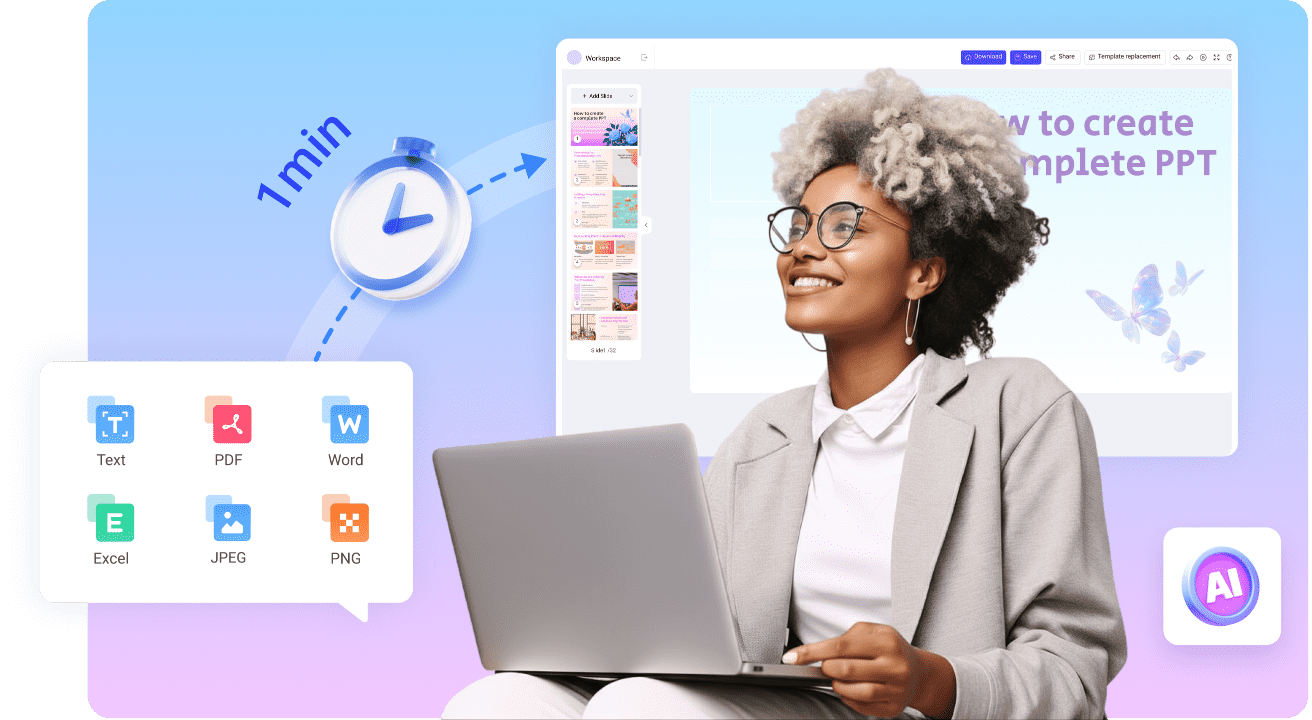
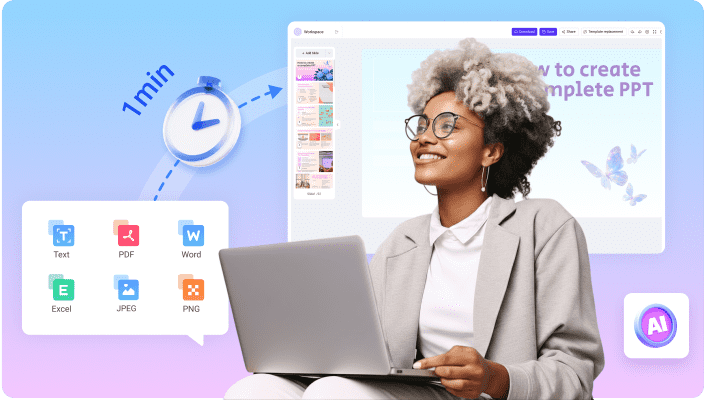

WorkPPT helps you turn your ideas, documents, or data into polished slides automatically — saving hours of manual work.
No design skills needed
784512+ PPT made
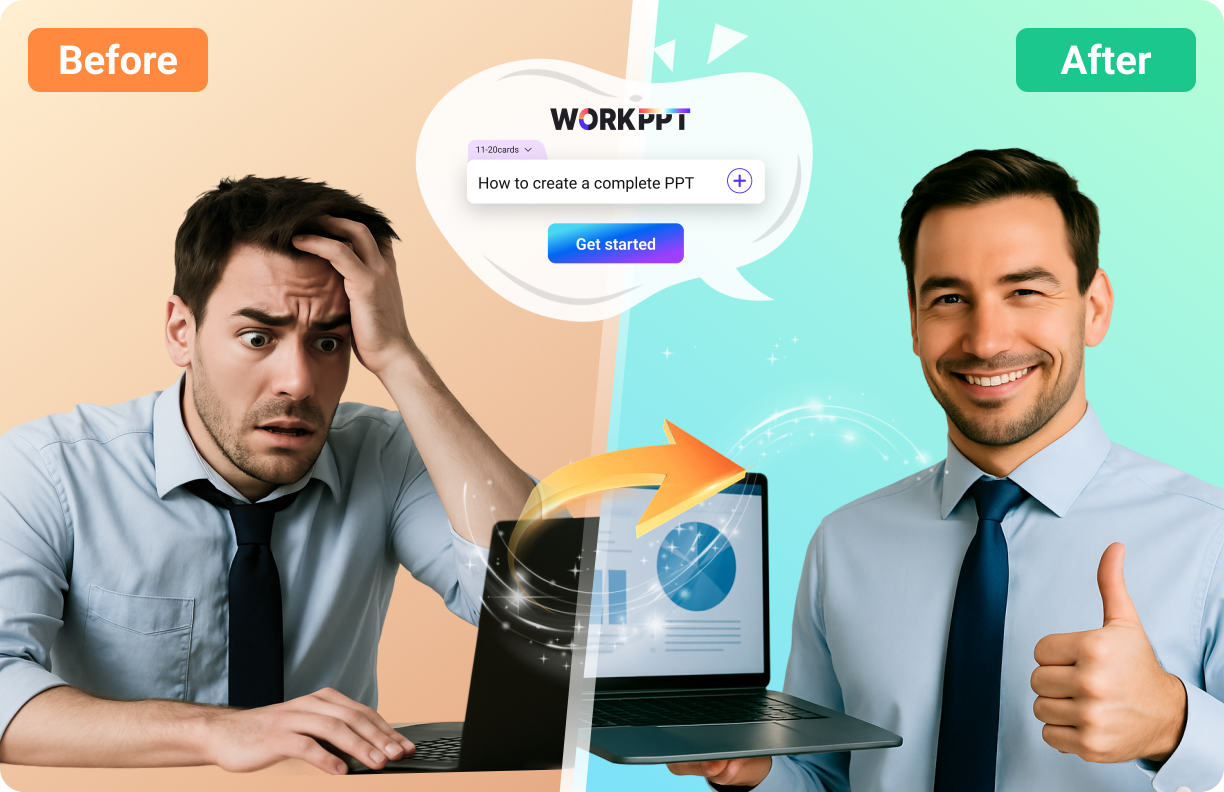
Say goodbye to blank-page anxiety forever
Turn your text/files into stunning slides in 3 mins
Enjoy designer-quality slides with zero effort
Pick from huge professional templates instantly
Create and wow your audience online,no installation
 Watch video about PPT AI
Unlike other tools that only create basic slides, WorkPPT combines powerful AI content generation, smart design, and file conversion into one platform


Generate slides from text, file, or image
CExport to PPTX, PDF, images or link
Choose from 5000+ modern ppt templates
Create and present directly online
Edit outline and content in real-time
Boost efficiency with 10+ built-in AI productivity tools
WorkPPT offers multiple AI-powered conversion tools that help you generate presentations from different content types. Below are the key tools and how they work — each has its own dedicated page for deeper exploration.

Text to PPT

Turn plain text or topic ideas into structured presentations in seconds.The AI identifies sections, key points, and visual hierarchy — perfect for reports, pitches, or lessons.
Learn more >
PDF to PPT
Upload a PDF and let WorkPPT extract titles, sections, and visuals automatically.It transforms your document into editable, well-formatted slides — no manual copy-pasting needed.
Learn more >
Word to PPT
Convert your DOCX or article into a beautiful deck instantly. AI organizes paragraphs into slides and highlights key takeaways for better storytelling.
Learn more >
Excel to PPT
Turn spreadsheets into clear and data-driven presentations. WorkPPT summarizes your tables, creates charts, and visualizes data automatically.
Learn more >
Image to PPT
Upload an image (like an infographic, chart, or photo) and get AI-generated slides that explain or extend the visuals. Perfect for turning screenshots or hand-drawn sketches into professional slides.
Learn more >
Whether you’re a student, teacher, business professional, or marketer — WorkPPT adapts to your needs.



Features | ||||
|---|---|---|---|---|
Overall Focus | AI PPT making and effciency | AI PPT creating | General design (social media, etc.) | Webpage design and generation |
AI PPT | Yes | Yes | Yes | Yes |
AI Summarizer | Yes | No | No | No |
Other Features | Pdf tools, summarizer, AI chat, ect | No | Picture design | Site building |
Export Options | pptx, pdf, jpg,png,link | pptx | pptx, pdf, image,link | pptx, pdf, image,link |
Ease of Use | | | | |
User Rate | 4.7/5 | 4.0/5 | 4.1/5 | 3.9/5 |








WorkPPT AI PPT generator makes creating presentations fast and smart. Whether for business reports or lessons, it helps you make slides quickly with plenty of templates.
Its clean interface and easy operation let you make polished slides without hassle. From organizing content to designing visuals, AI PPT handles it all.
WorkPPT AI PDF lets you manage PDFs easily. Merge, split, convert, or annotate files in seconds—simple and efficient.
As WorkPPT's flagship, AI PPT is trusted worldwide. Turn text into slides or improve designs automatically, boosting your efficiency.
With WorkPPT, summarizing documents is effortless. Scan your text and get clear, logical summaries instantly, with a convenient preview.






 Free to start

 Home
Home
 Pricing